Your desktop,
quietly alive.
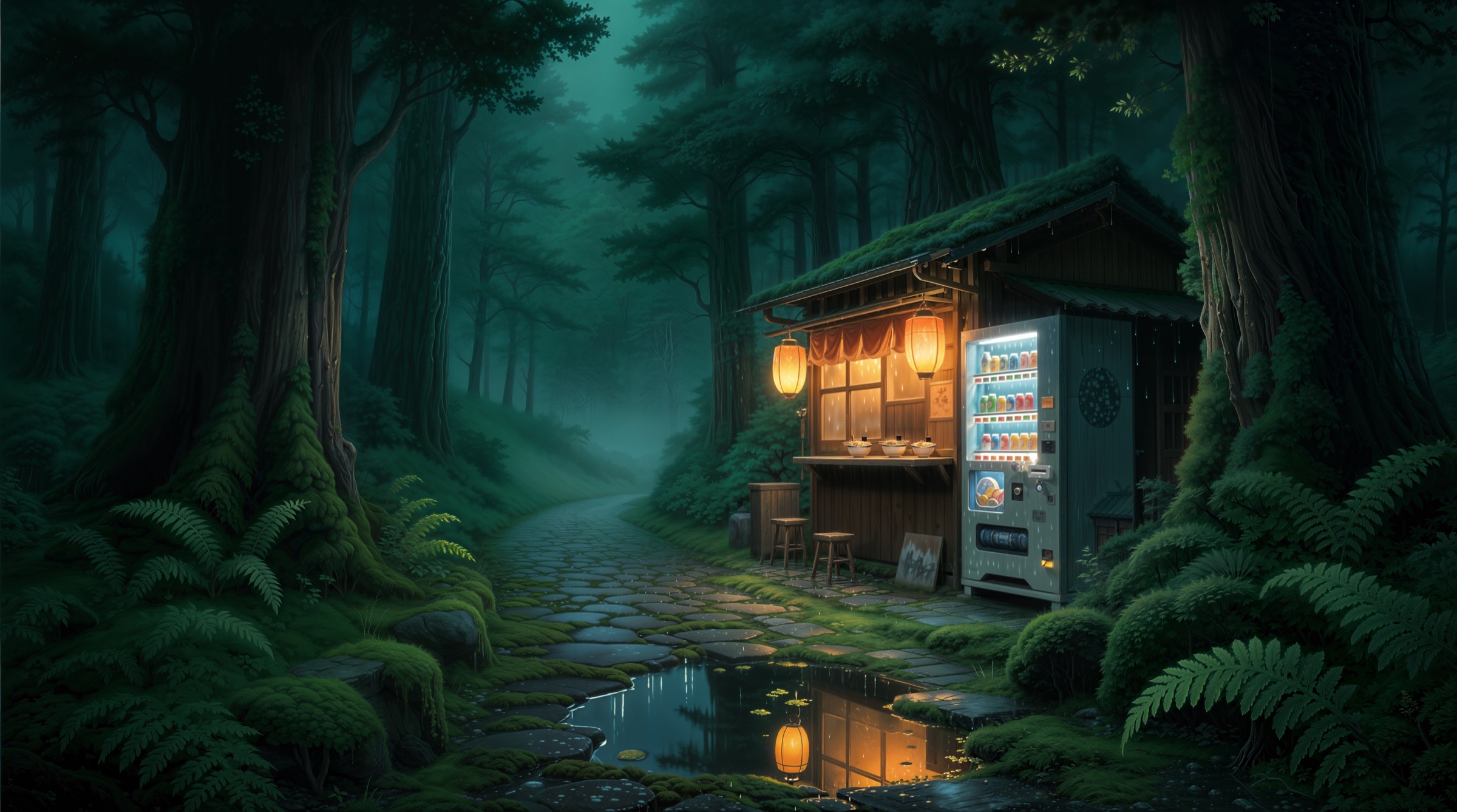
Painted scenes that move behind your icons: rain on the path, lanterns that flicker, steam that rises. Sharp at full 6K, and completely idle whenever you can't see them.
Coming soonOne-time purchaseApple siliconmacOS 14 or later
Beautiful while you look.
Weightless when you don't.
Kettlelight lives in your menu bar and draws only while some part of your desktop is in view.
Rests the moment it's hidden
Cover the desktop and Kettlelight keeps the last frame on screen and stops drawing entirely.
Sharp at full 6K
Drawn at your display's native resolution, never stretched up from something smaller.
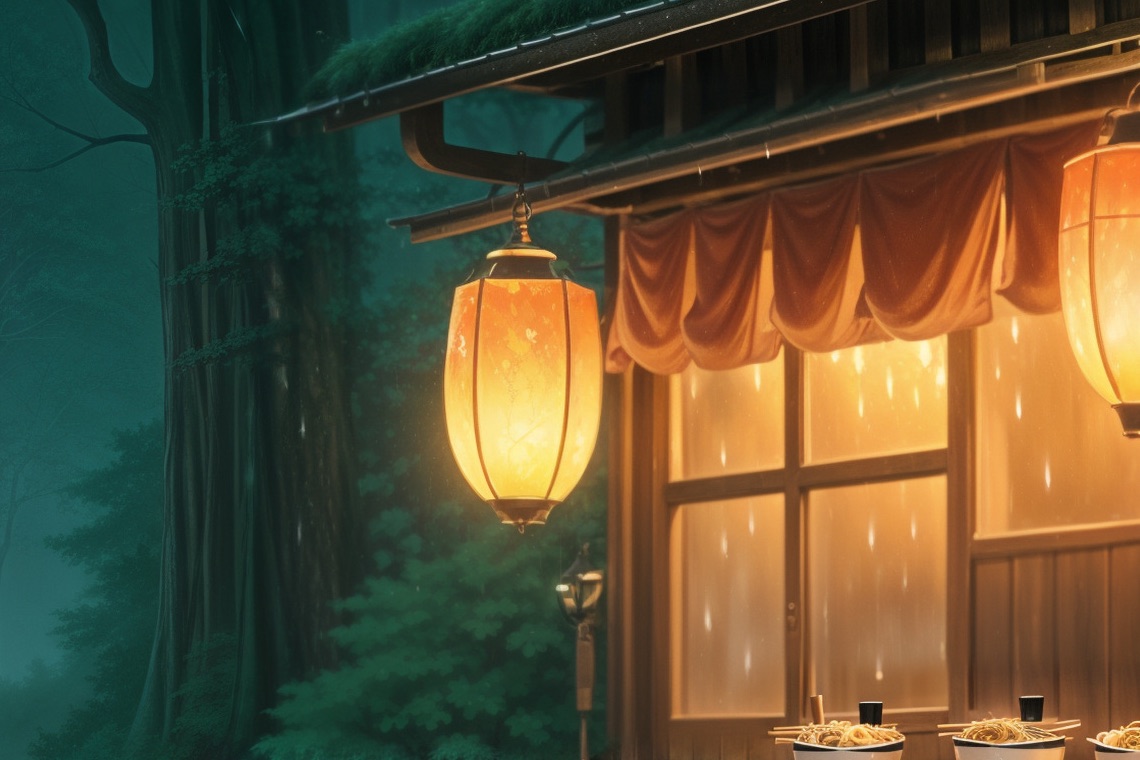 1:1 at 6720 × 3780
Lives in your menu bar
No Dock icon, nothing to manage. Pick a scene and forget it's there.
Or play your own video
Choose any clip. It's copied into Kettlelight's own folder, so it never asks for your files.
Every display
Each screen gets the scene at its own full resolution.
Kind to your battery
Have it pause whenever your MacBook is unplugged.
Set the pace
A gentle 15 fps by default. Go smoother if your Mac has room.
Painted by hand.
Alive where it matters.
Each scene is a detailed painting. Only the things that should move, do.
Noodle Stall
Rain over a little noodle stall deep in the forest, late at night.
New scenes join Volume 1 as free updates.
Buy once. It keeps growing.
- Every volume, including future ones
- Cancel any time
- Every wallpaper ever added to Volume 1
- New scenes arrive as free updates
- Yours to keep, no subscription
Volume 1 costs about the same as seven months, and then it's yours for good.
Kettlelight is almost ready. Email us and we'll write once when it's out.
Notify me at launchQuestions, answered
Will it slow my Mac down?
Only while you can see it. It uses a few percent of the CPU and lets the GPU carry the detail; Noodle Stall takes about a quarter of an M1 Max's GPU at full 6K. With the desktop covered or the displays asleep, it uses nothing.
Which Macs does it run on?
Apple silicon Macs on macOS 14 Sonoma or later.
Does it work with more than one display?
Yes. Each display gets the wallpaper at its own full resolution.
Can I use my own video?
Yes. Choose Video… in the menu bar copies the file into Kettlelight's own folder, so it never needs access to your Documents, Downloads or external drives. HEVC at 24 fps or less is the lightest to play.
What happens when Volume 1 is complete?
It stays yours, with every wallpaper it ever gained. New scenes then go into the next volume, sold separately or included in the monthly plan.
Make your desktop
somewhere you like to be.
One purchase, every scene Volume 1 ever gets. Coming soon to your Mac.
Notify me at launch